Smart Home Installs: Thermostats, Locks, Doorbells & Switches Without the App Confusion
By Brandon Mayernik · June 12, 2026
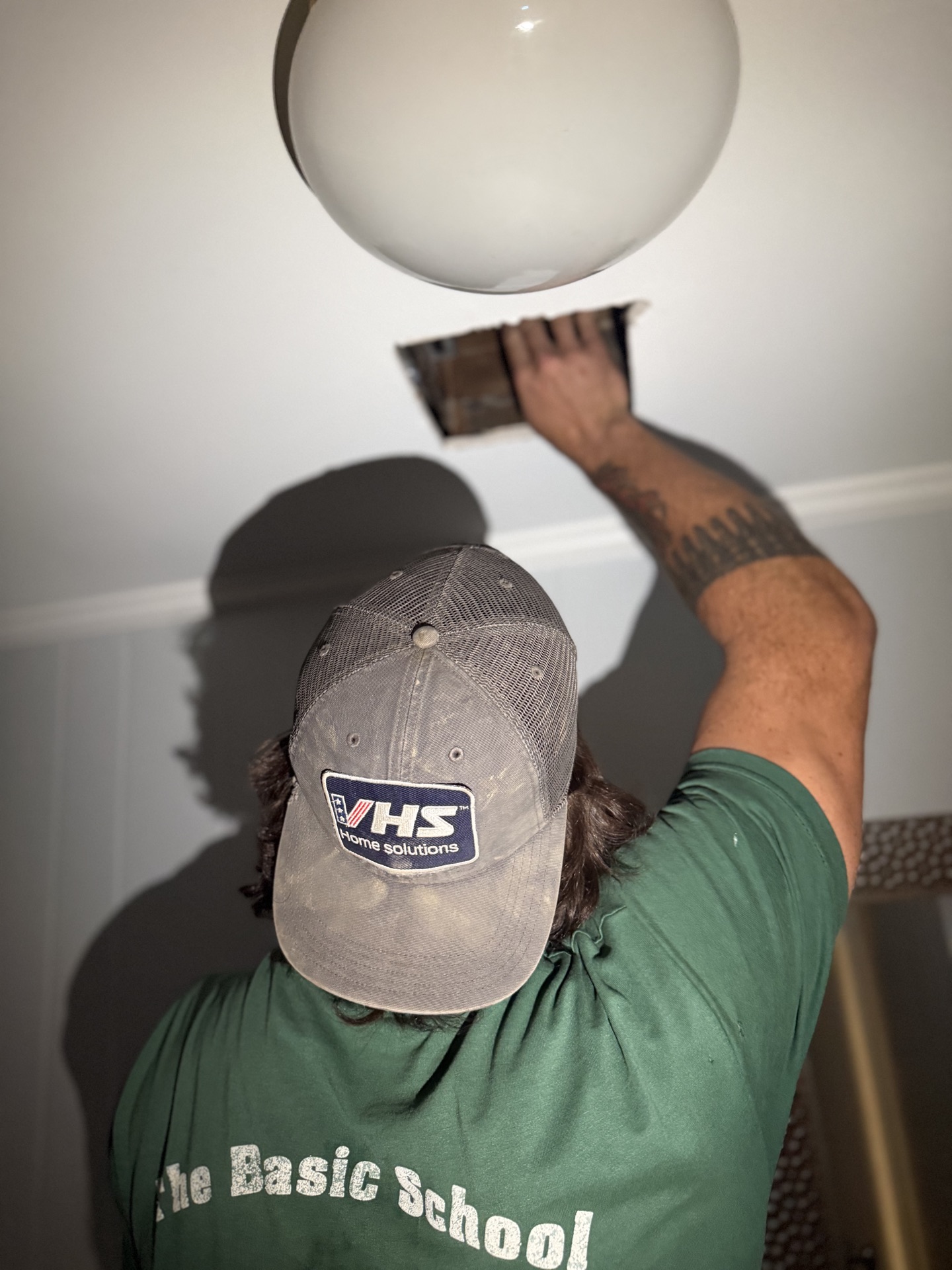
Almost every smart home call starts the same way. "I bought a Nest on Black Friday. It's still in the box. Can you just put it in?"
Yes. And the doorbell next to it. And the lock you ordered three months ago that's still on the kitchen counter. That's a normal call here.
Smart home installs are some of the most satisfying half-days on the schedule because they almost always work. The hardware is good. The apps are good. The trouble is the gap in the middle — the wiring check nobody told you to do, the app pairing that fails twice before it takes, the second user account that needs to get added so your spouse can unlock the door too. That's the part you're paying a person to handle.
Here's what I actually install, and what to know before you buy it.
Thermostats: The C-Wire Decides Everything
The single most common pre-purchase mistake is a Nest or Ecobee bought for a system that doesn't have a C-wire (the "common" wire that gives the thermostat continuous power).
Older Northern Virginia homes — especially the colonials and split-levels from the 70s and 80s — frequently don't have one. Newer builds usually do. There's no way to know without pulling the cover off your existing thermostat and counting the wires.
Before you order:
- Pull the cover off the existing thermostat (most pop straight off).
- Look at the terminals with wires attached. R, W, Y, G are normal. If you also see a C terminal with a wire in it, you're good.
- If there's no C wire, you have options — Ecobee ships a Power Extender Kit (PEK) in the box, Nest sells one separately, or I can run one if the path is reasonable.
Recent jobs in Northern Virginia included a Stafford colonial where the Nest install was a 15-minute swap, and a Burke split-level where the same install turned into adding a PEK at the furnace because there was no C-wire. Same thermostat, very different day. Worth the five-minute check before checkout.
Smart Locks: Easier Than You Think, Mostly
Smart locks are the install that customers expect to be hard and that's almost always straightforward. The three I install most:
- Schlage Encode — built-in WiFi, no separate hub, my default recommendation for most homes.
- Yale Assure — clean look, works well with Apple Home and August's app.
- August (gen 4 or Wi-Fi) — the one that mounts over your existing deadbolt and keeps your keys working. Good for renters or anyone who shares with a cleaner.
What actually trips people up isn't the install — it's the door prep. If your existing deadbolt is sticking, the smart lock will stick too. If the strike plate is misaligned, the motorized bolt will grind and the lock will eventually fail. Half the smart lock calls I run start with shimming the strike or planing the latch side of the door so the new lock actually closes clean. That's a normal part of the work, not a surprise.
The other thing worth knowing: the app setup, the second-user invite for your spouse, the auto-lock rules, the geofence — that's another 20 minutes after the screws are in. I do that walk-through with you. You shouldn't be standing in your kitchen at 9pm Googling "why won't my Schlage pair."
Doorbells: Ring vs. Nest, and the Transformer Trap
Ring (Amazon) and Nest (Google) are both fine. Pick the one that matches the rest of your house. Already on Alexa? Ring. Already on Google Home? Nest. Don't overthink it.
The thing nobody mentions until install day is the transformer. Wired doorbells need at least 16V to power the smart version. A lot of older NoVA houses still have a 10V or 12V transformer in the basement or hall closet powering the original mechanical chime. That'll need a swap before the new doorbell stops rebooting on you. Five-minute job once you find the transformer. Twenty-minute hunt if you've never seen it before.
If your house is wireless, no transformer issue — but then you're on the battery version, which means charging it every 4–8 months. Fine for some homes, annoying for others. Worth deciding before you buy.
Smart Switches: Read the Neutral Wire Rule First
This is the one that catches the most people.
Lutron Caseta is the gold standard for smart lighting. Reliable, no hub-replacement drama, works with everything. The catch: most Caseta dimmers don't require a neutral wire (which is why I recommend it), but the smart switches (non-dimmer) often do, and so do most competitors (TP-Link Kasa, Leviton Decora Smart).
If your house was built before about 1985, your switch boxes may not have a neutral wire bundled in. That doesn't mean you can't go smart — it means you should pick Caseta dimmers, which work without one. Or I can sometimes pull a neutral through if the path is reasonable.
How to check: pop the cover off one switch with the breaker off and look for a bundle of white wires capped together in the back of the box. That's your neutral. No white bundle, no neutral.
This is the kind of thing you really want to know before you've ordered a 12-pack of smart switches.
Garage, Hub, and the Long Tail
A few more I install regularly:
- Chamberlain myQ garage controllers. Good install. Works with most modern openers. Pairing is the slow part.
- Hubs (SmartThings, Hubitat, Apple HomePod mini as a Home hub). Worth it if you're going past 5–6 devices and want them to actually talk to each other.
- Smart smoke/CO (Nest Protect, First Alert Onelink). Direct swap for a hardwired smoke detector. Worth doing in pairs so the whole house communicates.
What Fits a Half-Day vs a Full-Day
| Project | Block |
|---|---|
| Thermostat swap (C-wire present) + walkthrough | Half-day |
| Thermostat with PEK install or wire-pull | Half-day |
| Smart lock + door prep + app setup | Half-day |
| Doorbell + transformer swap | Half-day |
| 2–3 smart switches in one room | Half-day |
| Thermostat + doorbell + lock combo | Half-day |
| Whole-house rollout: lock, doorbell, thermostat, 4+ switches, hub | Full-day |
| 6+ smart switches across multiple rooms | Full-day |
| Garage controller + 2–3 other devices | Half-day |
Most single-device installs land in a half-day with room to spare. The trap is the multi-room rollout — people pick half-day for a project that's really five devices and a hub, and we run out of clock at hour four. If your list has more than three devices on it, assume full-day.
The Honest Pre-Buy Checklist
Before you click Buy on anything:
- Thermostat: Pull the cover. Is there a C-wire? (Yes = any model. No = Ecobee with PEK, or run a wire.)
- Lock: Does your current deadbolt close clean with one finger? (No = door needs prep first.)
- Doorbell: Is your transformer at least 16V? (Look in the basement near the breaker, or by the original chime box.)
- Switches: Is there a neutral wire in the box? (Pop one cover off with the breaker off.)
- Ecosystem: Pick Alexa, Google, or Apple — and buy devices that all play with that one.
If any of that's unfamiliar, that's fine. Send a photo of your existing thermostat, your switch box, or the box your new device came in. We'll tell you what'll work in your house.
Sitting on a pile of unopened boxes from the last two holidays? Send the list through a Handyman Day Request and we'll knock the whole pile out in one visit.
Picture your finished room
Walk through your room, your style, and what stays or goes. We come back with a personalized plan and quote within 24 hours — no pressure, no obligation.
Start the Refresh DesignerReady to Get Started?
Get a free, no-obligation quote for your project. We typically respond within the hour.